
Designers
Ten familiar feelings to explore in haptics
Download ten original AHAP sketches, inspect their timing and strength, and tune each one into your own tactile interpretation.
A recipe is a starting point
These ten patterns are original sketches of familiar sensations, ready to open and edit. Each recipe explains the timing and strength in its downloadable file, then suggests one thing to change.
Open a file in Haptrix and preview it on a supported iPhone. Change one property at a time and compare the result in the same interaction. The files contain haptics only; any sound you add is a separate design decision.
Intensity and sharpness are authoring values between 0 and 1. Here, rhythm and relative strength provide the first sketch; sharpness adds character. These are suggestions for exploration, not a calibrated model of a heartbeat, material or mechanism. Haptic parameters
The small previews below are generated from the downloadable files using Haptrix’s pattern renderer. Each is fitted to its own duration, so their horizontal scales differ. They illustrate authored data, not measured output.
The ten recipes
1. A heartbeat
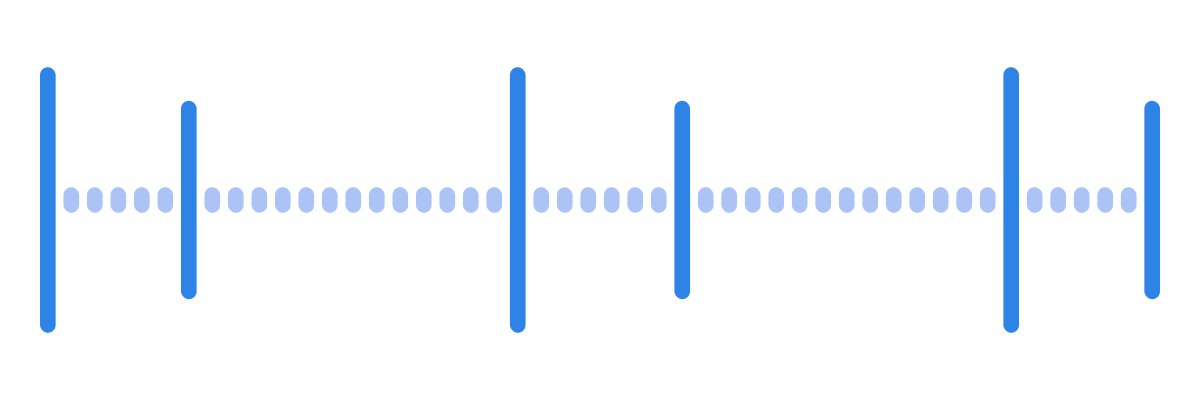
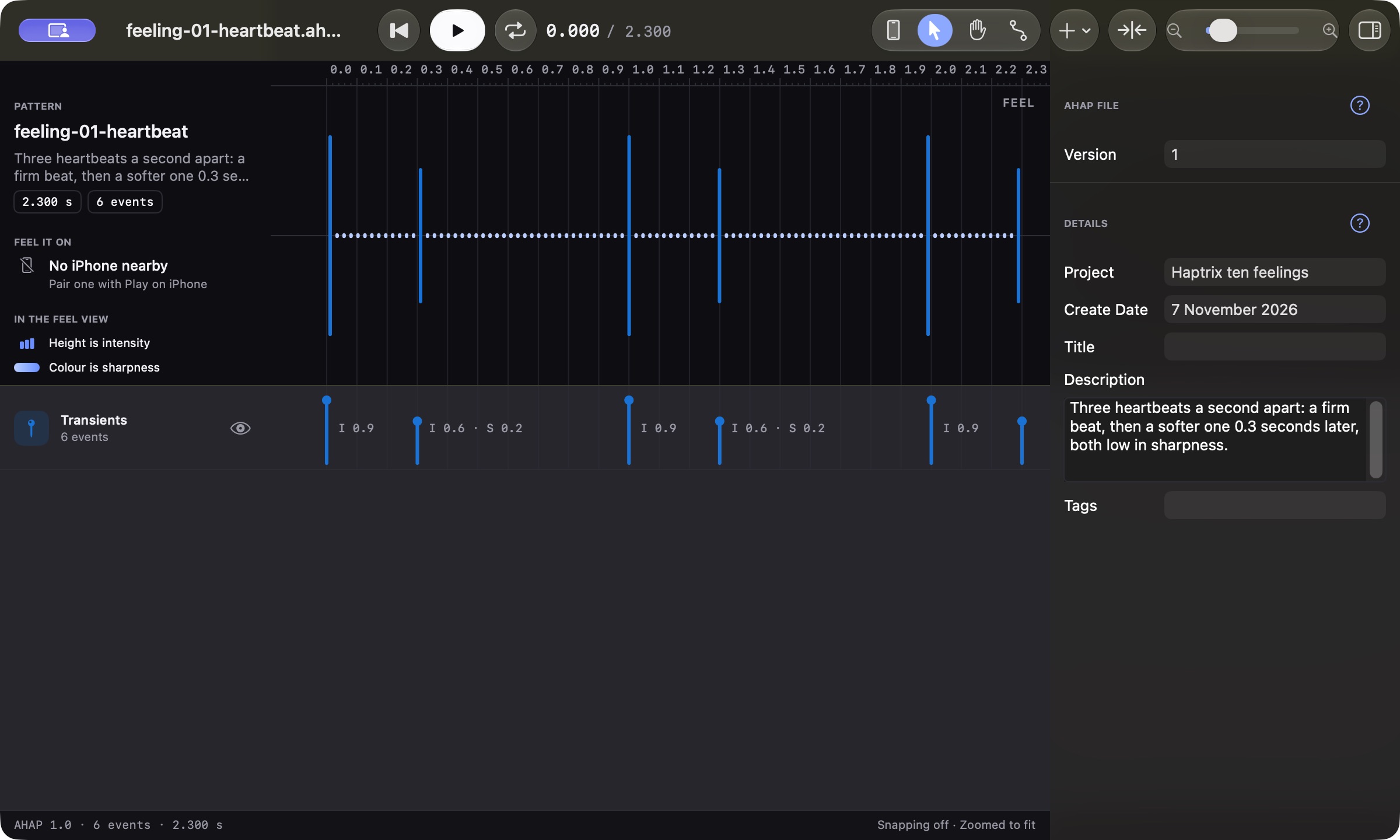
Three pairs begin at 0, 1 and 2 seconds. In each pair, the first tap has intensity 0.9 and sharpness 0.25. The second arrives 0.3 seconds later at intensity 0.6 and sharpness 0.2.
Change the gap inside the pair before changing the repetition rate. Those are two separate rhythms: the paired gesture and the space before it begins again. Keep the second tap softer while comparing gaps.
2. A purring cat
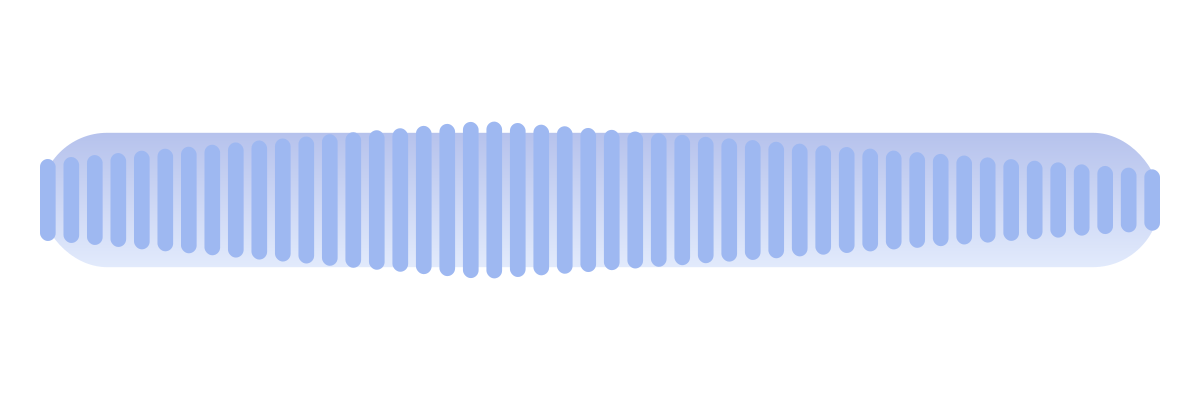
This is a soft three-second swell rather than a literal reconstruction of a purr. A continuous event uses intensity 0.5 and sharpness 0.1. Its intensity curve rises from a multiplier of 0.2 to 1 at 1.2 seconds, then fades to zero at 3 seconds.
The authored intensity therefore moves from 0.1 to 0.5 and back to zero. Try a shorter swell or a lower peak. If the result suggests breathing rather than purring, use that observation to rename or redesign it; a familiar name is a hypothesis to test.
3. A bouncing ball
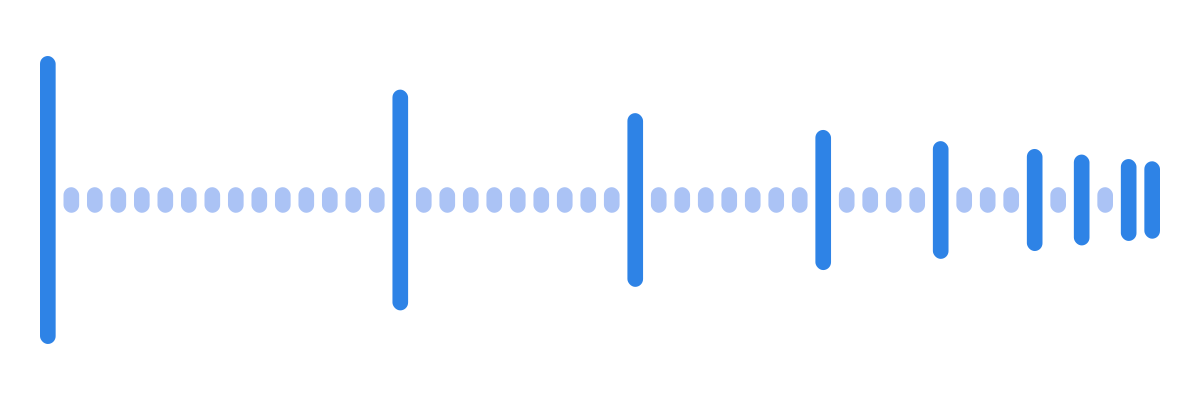
Nine taps run from 0 to 1.57 seconds. Their gaps shrink from 0.50 seconds to 0.04 seconds, while intensity falls from 1 to 0.06. Sharpness stays at 0.5 so the changing rhythm and strength do the work.
Move the final taps farther apart to slow the ending of the sequence, or reduce the initial strength for a smaller impact. This hand-authored model is not a physics measurement. For a game, trigger and scale impacts from the actual collision state, as Apple’s HapticBounce sample demonstrates.
4. An engine starting
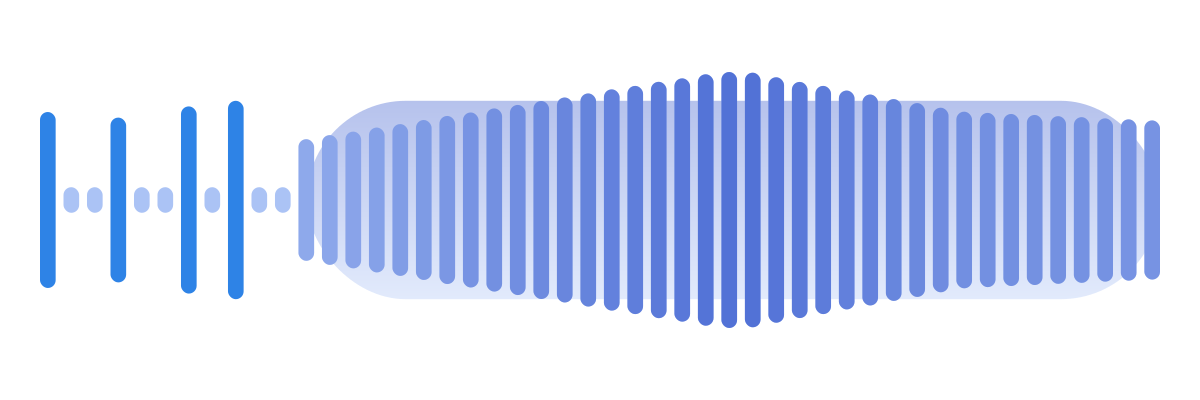
Four starter taps occur at 0, 0.20, 0.42 and 0.58 seconds. A continuous event begins at 0.75 seconds and lasts 2.4 seconds. Its intensity rises from 0.3 to 1, then settles to 0.5; sharpness rises from 0.2 to 0.7 and settles to 0.4.
The two curves peak 1.2 seconds after the continuous event starts. Try lowering the peak before lengthening the pattern. The uneven starter rhythm and the settling tail are different parts of the story; keep both legible.
5. A mechanical key
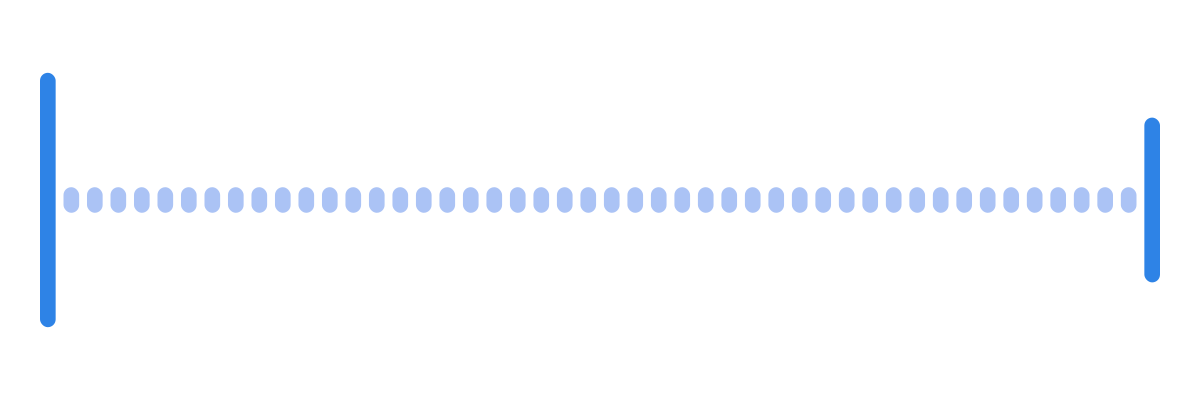
A press at time zero uses intensity 0.85 and sharpness 0.9. A release follows 0.08 seconds later at intensity 0.45 and sharpness 0.6.
The lighter, softer release distinguishes the two parts. Change the gap to explore the sense of travel. In a real interactive control, consider triggering the release from the person’s actual release instead of scheduling it unconditionally.
6. A camera shutter
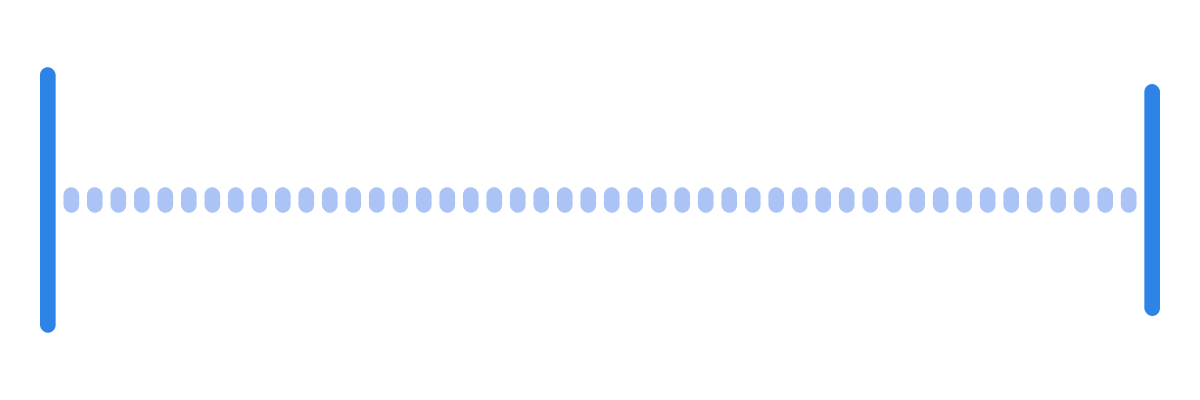
Two taps sit 0.1 seconds apart. Both use sharpness 0.95; their intensities are 0.9 and 0.75. Compared with the key, the second tap keeps the same crisp character and loses less strength.
Compare the two files back to back. Tune spacing first if the shutter reads as a generic double tap. This is a design exercise, not a recommendation to vibrate a device during image capture, where vibration may be disruptive.
7. Rain on a window
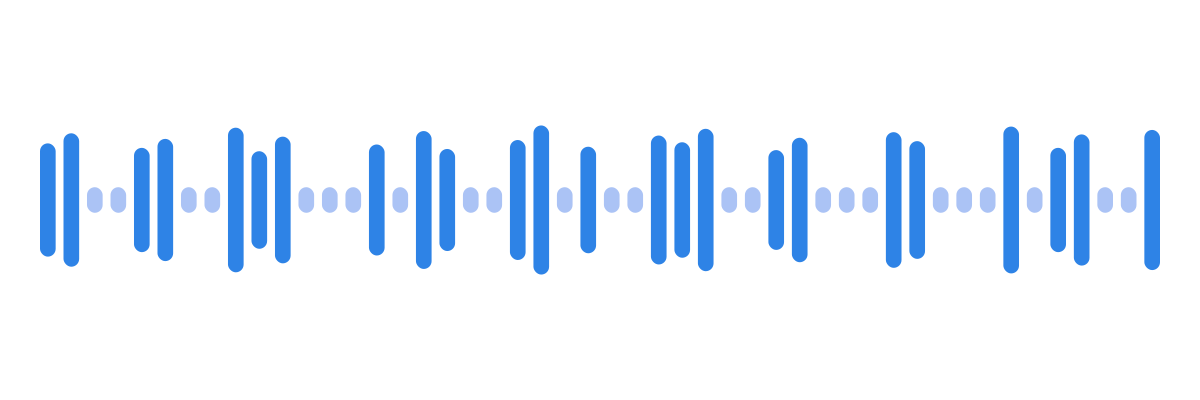
There are 26 taps between 0.04 and 2.84 seconds. Intensity ranges from 0.15 to 0.38 and sharpness from 0.50 to 0.74. Uneven gaps avoid the regular rhythm of a clock.
Remove some drops to make the scene sparser before turning everything down. Density and strength are separate controls. Listen and feel for accidental clusters that become a recognisable repeated motif when the pattern loops.
8. A ticking clock
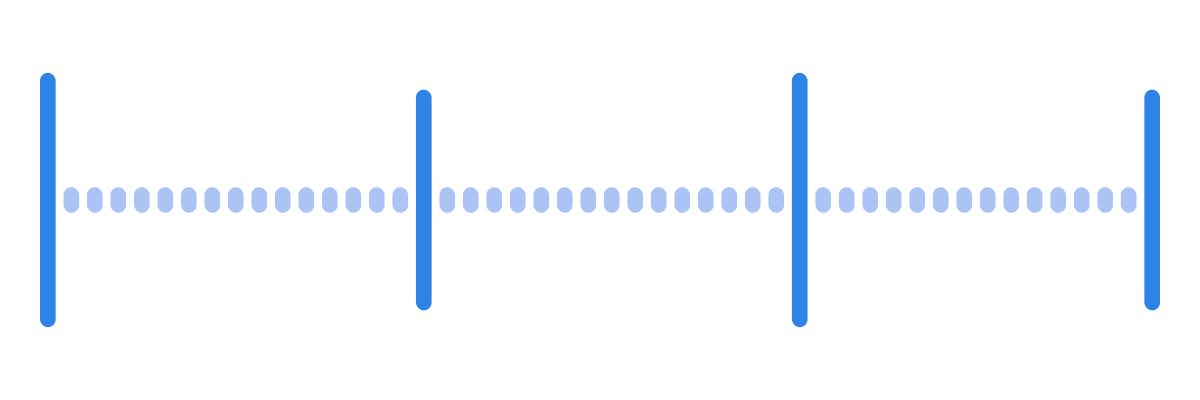
Four taps are exactly one second apart. Ticks use intensity 0.85 and sharpness 0.95; alternating tocks use 0.70 and 0.85.
Keep the timing fixed while comparing how different the tick and tock should feel. The last event occurs at 3 seconds. If you loop this as a four-second cycle, leave the final one-second gap: looping immediately at the last event would put the next tick on top of the tock.
9. A zip
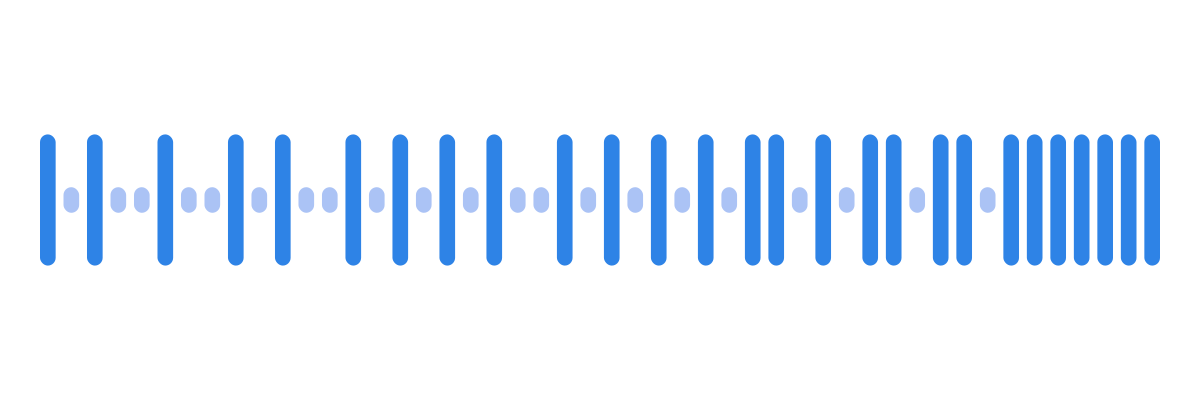
Twenty-seven small taps occupy 1.07 seconds, each at intensity 0.3 and sharpness 0.95. Their gaps shorten from 60 milliseconds to 25 milliseconds.
Compare a slower sequence before changing strength. Closely spaced taps can merge perceptually, so judge the texture on the output device. The intended effect is a short accelerating gesture, not a guarantee that every tap will be separately identifiable.
10. Thunder
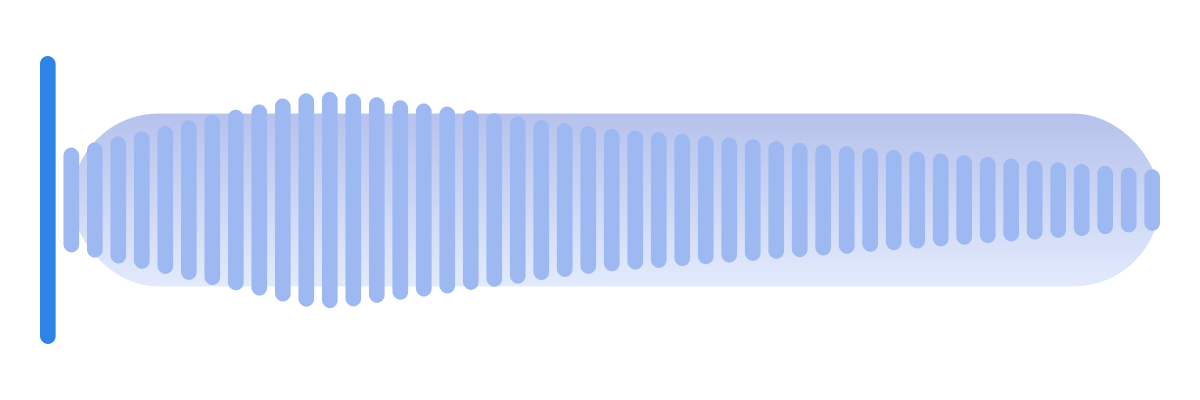
A sharp opening tap uses intensity and sharpness 1. A rumble begins at 0.1 seconds, lasts 3.4 seconds and uses base intensity 0.8 with sharpness 0.1. Its intensity multiplier starts at 0.25, reaches 1 after 0.8 seconds, then falls through 0.55 to zero.
The rumble peaks at 0.9 seconds on the full timeline. Reduce the crack independently if it dominates. If you add sound, place the tactile events against the sound’s actual landmarks rather than assuming the recording begins at the impact.
Make the next version yours
Save a copy before editing. Record which file you changed, the device you felt it on and the interaction it was intended to accompany. A successful sketch is one whose intended role survives in context, not merely one with the right name.
An AHAP does not loop itself; repetition belongs to the player. Give repeating patterns an explicit cycle length and test the join. Advanced pattern playback
Designing haptics without writing code covers the editing and export workflow. AHAP files explained explains the file structure, and Game feel through touch connects an authored effect to an interactive event.
More to read
Design haptics in Haptrix
Free, for Mac, iPad and iPhone: the editor, export and publishing included.
New articles by email
Email updates are not switched on yet.